

How to Run a 24-Hour Gym Without Staff (What You Actually Need)
Most gym owners think going 24/7 means hiring for every shift. It doesn't. The actual requirement is building systems that do what a front desk employee does — check membership status, verify payment, log who's in the building, lock out members who haven't paid. Get those systems right and the building runs itself.
The mistake most owners make is thinking about 24/7 access as a staffing problem. It's a software and hardware problem. Solve it at that level and you've got a gym that generates revenue at 3 AM without costing you anything extra to operate.
This is what you actually need.
The 3 Things an Unstaffed Gym Actually Depends On
Strip away everything else and it comes down to three things:
If you nail all three, the gym runs. Miss one and you either have revenue leaking out (non-paying members getting in) or liability exposure (incident happens, no coverage).
The Unstaffed Gym Systems Checklist
In priority order. Don't skip ahead — each one builds on the last.
Most platforms keep billing and access separate. You end up with two systems, two bills, and a gap where non-paying members walk in freely until someone manually catches it. The right setup is one system that controls both. See our full comparison of 24/7 gym software platforms to understand which ones actually do this natively vs. which ones bolt it on through a third party.
Automated billing should retry failed payments, notify the member to update their card, and — critically — revoke door access until payment is resolved. Here's exactly what that flow looks like end to end.
Cameras do two things: visible cameras deter bad behavior, and recordings document incidents. A 4–8 camera system runs $500–2,000. This is not the place to cut costs.
Digital waivers signed at signup give you a timestamped, searchable record. No paper, no lost files, no "I never signed anything."
Add a panic button or emergency phone. Post the gym's street address prominently — a member calling 911 in a panic may not know it.
One incident during an uncovered period can wipe out years of extra revenue from extended hours. Non-optional.
Fob or Phone? Pick One, Know the Tradeoffs
Key fobs are familiar but they create problems in an unstaffed gym. They get lost (15–20% annual replacement at $3–8 each), can be cloned for $5 at a hardware store, and almost never tie back to your billing in real time. Payment fails — fob still works until someone manually deactivates it.
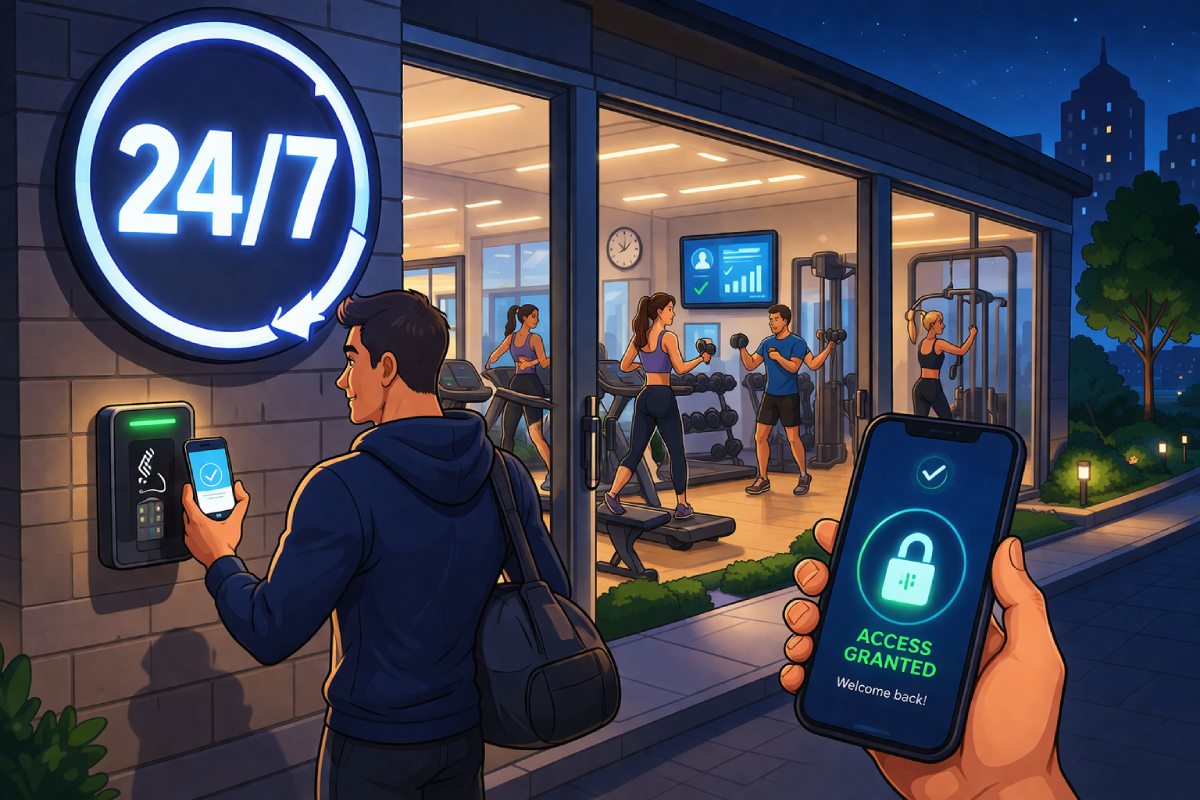
Phone-based access (QR or Bluetooth) solves the billing integration problem cleanly. The credential lives in the member's account. Payment fails, access revokes. No physical token to lose, share, or duplicate. Here's how to replace a fob system with an app. If you're deciding between QR and Bluetooth specifically, see the Bluetooth vs QR code breakdown.
The only argument for fobs is members without smartphones. Issue a fob as a fallback for those people but make phone the default.
Don't Give Everyone 24/7 Access at the Same Price
Going 24/7 is also a tiering opportunity. The door enforces it automatically.
(e.g. 6 AM – 9 PM)
+ priority perks
Members will pay $15–25/mo more for 24/7 access even if they use it a handful of times a month. The perceived value of "I can go whenever" is real. Basic members try the door at 10 PM, it doesn't open, they upgrade. Your software enforces it — no staff needed.
The Scenarios You Need Answers For Before You Go Live
Don't figure these out at 2 AM when they happen.
Don't Flip the Switch Overnight
The gyms that have problems going 24/7 are the ones that announce it Monday and unlock the door permanently Tuesday. Do it in stages.
What to Look for in 24/7 Gym Software
Platforms that work for unstaffed gyms are the ones where billing and door access are the same system — not two platforms stitched together with a webhook. When billing and access are separate, you get sync delays, manual steps, and gaps.
The questions to ask any vendor before committing:
- When a payment fails, does the door stop working automatically — or manually?
- What happens to the door if the internet goes down? (Must cache locally.)
- Can I see who's in the building right now, from my phone?
- Can I remotely lock out a specific member?
- What's the real total cost — software + access + app? Most platforms advertise a low SaaS fee and charge separately for every piece that actually matters.
For a full platform-by-platform breakdown — GymMaster, PushPress, Glofox, Gymdesk, ManageMemberships — with real cost math and honest takes on who each one is right for, see our complete 24/7 gym software comparison.
Billing tied to the door. Remote access logs. Automated lockout on failed payments. Branded mobile app. $188/mo all-in — no separate access control vendor, no sync delay, no gap.
Related: Best 24/7 Gym Software Compared · Replace Key Fobs With an App · Preventing Gym Tailgating · Mag Lock Setup Guide · What Happens When a Member Misses a Payment
