

Why Key Fobs Are a Problem
Key fobs might seem convenient, but they come with a host of issues. Each fob costs between $3-8, and members lose them frequently. You're replacing 10-20% of your fobs every year. That's a cost and an administrative headache.
Fobs don’t communicate with your billing system. A member can stop paying, yet swipe their fob until you manually deactivate it. You're often unaware of this for weeks.
Fobs are easily shared. Members hand them over to friends, who then work out for free. You can't verify if the person using the fob is the paying member.
Managing fobs requires a separate system that doesn't sync with your billing. Your POS might list a member as inactive, while the door system says otherwise. Now you're juggling two systems that are out of sync.
Lost fob fees frustrate members. A simple "I lost my fob" shouldn't cost them $25 or necessitate a trip to your supply closet. At the core, fobs are dumb tokens—they lack the intelligence modern access control should have.
What Replaces the Fob — Your Options
To replace fobs, consider three main phone-based access methods: QR codes, Bluetooth, or a combination of both. Each has its pros and cons, and the best choice depends on your gym's needs.
QR Code Scanning
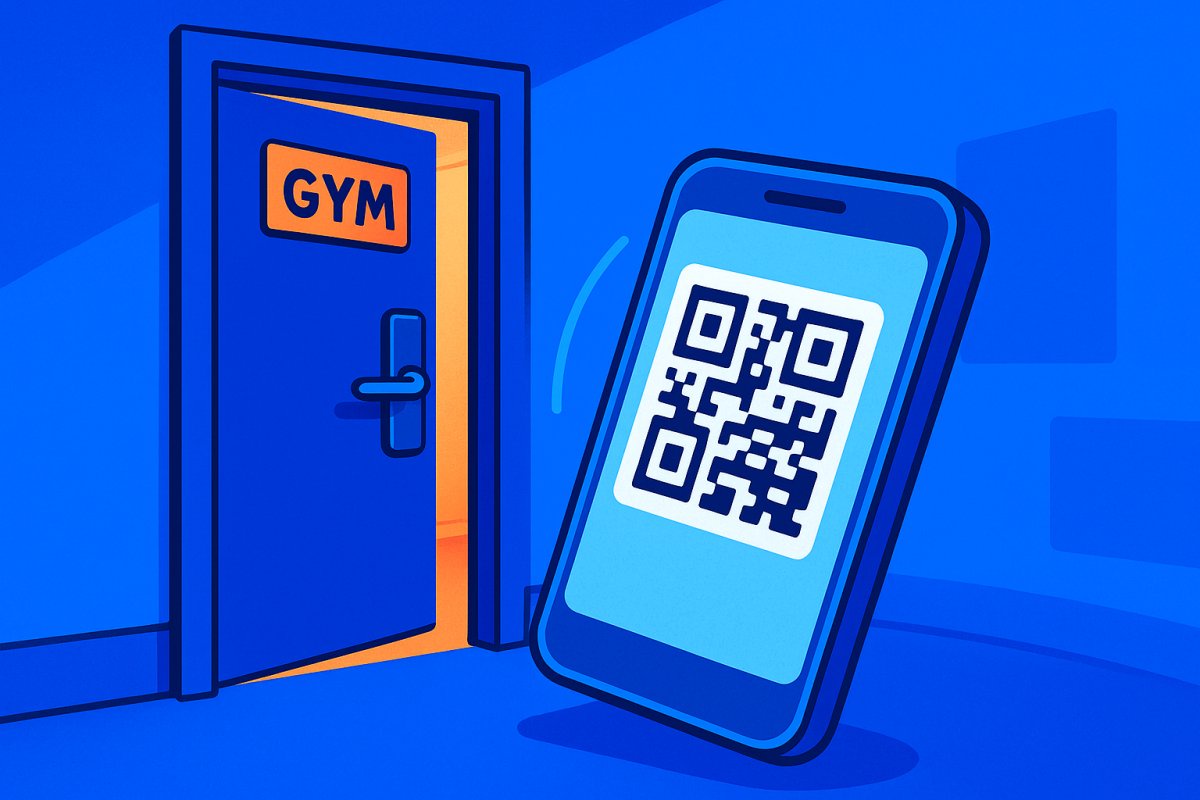
With QR code scanning, each member receives a unique code stored in their Apple or Google Wallet. They hold their phone up to a scanner at the gym entrance. The scanner verifies in real-time if they're active, their payment is current, and the waiver is signed. If so, the door opens.
- Pros: No app download necessary, works on any smartphone, affordable scanners, no Bluetooth hassles, instant operation.
- Cons: Members need to hold the phone to the reader, doesn't work if the phone is dead.
- Best for gyms wanting a simple setup without app downloads.
Bluetooth Access
Bluetooth access allows the member's phone to communicate with a receiver at the door. When in range, they can tap "unlock" in the app or let it auto-detect proximity to open the door.
- Pros: Can be hands-free or require a single tap, modern feel, no physical scanner needed.
- Cons: Bluetooth can be unreliable due to interference or pairing issues, and some older phones may struggle.
- Best for gyms offering a premium, touchless experience with tech-comfortable members.
Combination (QR + Bluetooth)
By combining both, members can choose the most convenient option at any time. This is the approach we use at ManageMemberships, with both methods supported by the same hardware.
How the Hardware Actually Works (ManageMemberships System)
Here's how our system works: Our hardware integrates with your existing maglock and power supply, adding a controller that manages the lock. This controller, mounted near the door, supports both Bluetooth and QR code scanning through the same unit.
The unit connects to the cloud to access member data — who's active, who has paid, who has signed waivers. Importantly, it caches this data locally. This local cache ensures that even if your internet goes down, the system still recognizes who can enter. We covered this essential feature in our Door Access Control guide.
Installation is straightforward, typically requiring 1-2 hours per door. You mount the controller, wire it into your current maglock power supply, connect it to WiFi, and pair it in the ManageMemberships admin panel. That's it.
What Happens When a Member Scans In
Here's the sequence of events when a member attempts to enter:
- Member holds their phone (QR code) to the scanner or taps Bluetooth unlock.
- The hardware unit reads the credential.
- It checks the local database: is this member active?
- If active, payment current, and waiver signed → maglock releases, door opens.
- The check-in is logged with a timestamp.
- If payment has failed → door stays locked, and the member receives a notification to update their payment method.
Unlike fobs, this system ties access to billing status in real-time. We discuss more about Payment Recovery in our features section.
The Migration — How to Actually Switch
Switching involves a few key steps:
- Install hardware units at each entry point while keeping your current fob system running.
- Send members a link to add their QR code to Apple or Google Wallet. Takes 30 seconds.
- Run both systems in parallel for 2-4 weeks. Members can use either method during this time.
- Announce a cutoff date 2-3 weeks in advance. "After [date], access is phone-only."
- Decommission the fob system afterward.
During the transition, some members will adapt faster than others. For those who don't have smartphones, consider issuing a simple RFID card. Read our guide on switching software to ensure a smooth transition.
Cost Comparison
Let's break down the costs:
- Key fob system: $500-2,000 for reader hardware, $3-8 per fob, continuous replacement costs, separate software fee ($50-150/mo).
- App-based system (ManageMemberships): $89/mo add-on to your existing plan, hardware unit included, no per-member cost, no need to stock fobs.
Over a year with 200 members, a fob system costs $2,500-5,000+. Our app-based system: $1,068 annually. The real savings lie in time saved from manual fob management and syncing disparate systems.
What About Kisi, Brivo, and Other Third-Party Access Systems?
Kisi and Brivo are well-known access control platforms. Kisi charges $39-99/mo per door plus hardware costs ($300-800 per door). However, they don't integrate natively with gym billing platforms, requiring additional integrations like Zapier.
Brivo is enterprise-focused with custom pricing—likely overkill for single-location gyms. The advantage of ManageMemberships is integration: billing and access control are unified. For insights on choosing gym software, check our best 24/7 gym software post.
The disadvantage: You're tied to one vendor for both billing and access, so changes elsewhere affect everything.
Bottom Line
Key fobs are outdated. They’re costly and disconnected from your billing system. Phone-based access is smarter, cheaper, and eliminates manual fob hassles. The switch takes 2-4 weeks if both systems run concurrently.
Look for a system that caches locally, links access to billing, and doesn't charge separately for access control. If your system can't lock out a non-paying member, it's not truly controlling access—it's merely a fancy lock.
Smarter Billing, Better Control, Stronger Tools
Explore calendar billing, subscription management, automated door scheduling, digital waivers, reporting dashboards, and full member portal customization built specifically for gym and studio operators.
