
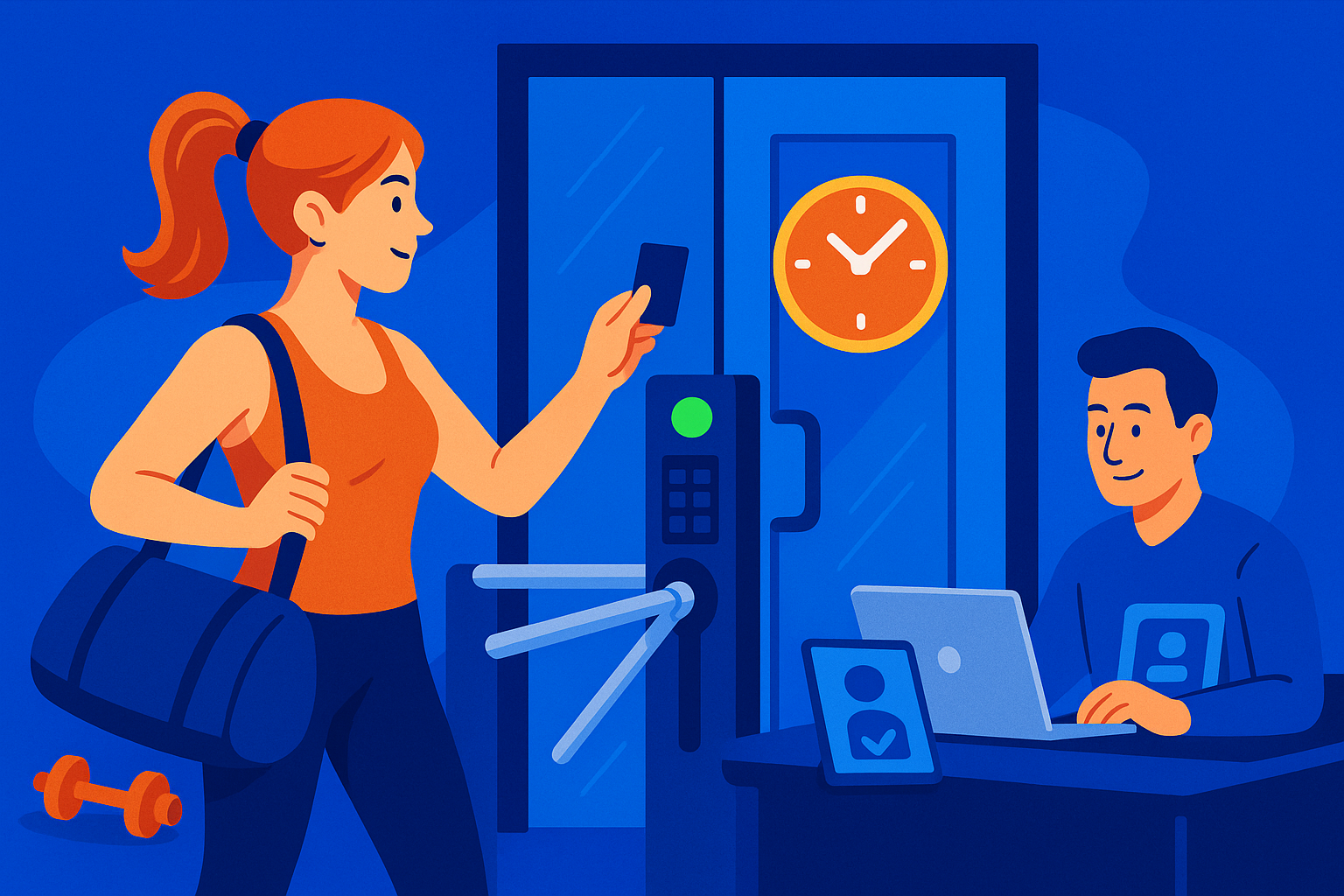

24-hour gym access control has three parts: a lock, a reader, and the software that decides who gets in. The software is the part that lets the gym run unattended. ManageMemberships ties access directly to billing, so a failed payment closes the door on its own. This guide covers maglocks versus strikes, fobs versus phone unlock, and what each option actually costs.
Running a 24-hour gym means your facility works around the clock — but the wrong software means you have to as well. Manually deactivating memberships after failed payments, fielding 2am "I can't get in" calls, and juggling three separate systems for billing, waivers, and door access is what happens when gyms pick software that wasn't built for unattended operation.
This guide covers what to look for in 24-hour access gym software, how integrated systems outperform bolt-on solutions, and what real gym owners say about making the switch.
What "24-Hour Access Gym Software" Actually Means
Most gym management platforms handle billing and scheduling just fine. The gap shows up at midnight on a Sunday when a member's payment fails and they still have door access — or when a new member signs up online at 11pm and can't get in because the system doesn't sync until the next morning.
True 24-hour access gym software doesn't just track memberships — it actively controls who can and can't enter your facility based on real-time membership status. That requires the software layer and the hardware layer to talk to each other automatically, without staff intervention.
What to Look for When Evaluating Software
1. Real-Time Membership Sync
When a payment fails, access should be revoked automatically — not when someone remembers to update a spreadsheet. When a new member signs up online, they should be able to walk in within minutes. Look for software that pushes membership status updates to your door hardware continuously, not on a nightly batch schedule.
2. Offline Caching
Internet goes down. When it does, your doors shouldn't lock out every current member. A good system caches valid memberships locally on the controller so existing members can still get in. New signups may have a brief delay until connectivity restores — that's acceptable. Existing members getting locked out at 5am is not.
3. Integrated Billing and Waivers
Every additional system you bolt on is another failure point. If your billing software, waiver platform, and access control are three separate products, someone has to keep them in sync manually. An integrated platform eliminates the gap — a signed waiver triggers account activation, a failed payment triggers access suspension, all automatically.
4. Multi-Door Support
If you have a main entrance, a parking lot entrance, and a 24-hour side door, you need a system that handles all of them from one place. Look for software that can add Bluetooth or QR readers per door while maintaining central control from one dashboard.
5. Hardware Flexibility
Some software vendors lock you into proprietary hardware at a significant markup. Others work with standard 12-volt door controllers you may already have. If you're replacing an existing access control setup, compatibility matters — you shouldn't have to rip and replace your physical infrastructure just to upgrade your software.
How the Integration Actually Works
With ManageMemberships, a central controller installs next to your existing power supply. It connects to your door hardware via a standard request-to-exit lead and requires a 12-volt supply — no proprietary wiring required. The controller continuously syncs with your membership database, so valid active members always have access and lapsed or suspended members don't.
For multi-door setups, Bluetooth or QR scanners at each entrance tie back to the same central unit. Everything is managed from one dashboard — no logging into three systems to make a single change.
When a new member signs up through your online portal, access is granted within minutes. When a payment fails, access is suspended automatically. When internet connectivity drops, cached membership data keeps current members moving.
Installation typically runs under four hours on-site. We handle it — you don't touch the wiring.
What Gym Owners Say
"ManageMemberships has made a big difference in the time we spend managing our members. Jon is very responsive to every request and works to implement any improvement ideas."
"Everything we needed in one company. ManageMemberships allows us to run our store, range, training, gunsmith — all from one platform."
"Manage Memberships has helped manage our customers in a smooth and seamless process. Jonathon is so helpful and always responds timely."
"I couldn't ask for anything more. Jon has come up with solutions to every issue and random idea I've had — and quickly to boot."
"MM swooped in to help us at just the right time. My business partner and I were brand new gym owners — having a system that just worked made a real difference."
"MM is very user friendly, provides great customer service, and the best part is that it's constantly improving and upgrading based on clients' wants and needs."
"I use ManageMemberships to manage gym memberships, collect monthly payments, and allow clients to handle sign-ups — it handles everything in one place."
Common Pitfalls with 24-Hour Gym Software
Using a generic access control system not built for gyms
Standalone access control systems handle doors fine but have no concept of "active member" vs. "lapsed member." Someone has to manually update the access list when memberships change. At scale — or with 24-hour operations — this breaks down fast. A lapsed member who can still walk in at 2am is a liability, not just an annoyance.
Bolt-on integrations between separate platforms
Connecting your billing software to a third-party access control platform via Zapier or a custom integration sounds workable until it silently fails at 11pm on a Friday. Integrations between separate systems require ongoing maintenance and introduce sync delays that don't belong in a 24-hour operation.
No offline fallback
Cloud-only access control is a liability for unattended gyms. If your software requires a live internet connection to validate each door entry, a 30-minute outage locks out every member who tries to enter during that window. Local caching isn't optional — it's a requirement.
Paying for features you don't need
Enterprise gym platforms built for large chains charge accordingly. If you're running one or two locations, you don't need class booking for 50 instructors, a built-in marketing CRM, and a branded app — you need billing, access control, waivers, and a member portal that works without hand-holding. Overpaying for bloat means the vendor's priorities aren't yours.
The Bottom Line
The right 24-hour access gym software eliminates the gap between your membership records and your door hardware. Members who are current get in. Members who have lapsed don't. New signups get access immediately. None of it requires staff on-site.
If you're running a 24-hour facility on a system that requires manual intervention to keep access lists accurate, you're one sync failure away from a bad member experience — or a real security problem.
Comparing vendors? See the best 24-hour gym software platforms compared — pricing, hardware support, and failed-payment handling side by side. And if the end goal is running a 24-hour gym without staff, 24-hour gym software like this is exactly what the whole stack is built for.
See How It Works for Your Gym
ManageMemberships handles billing, waivers, door access, and member management in one platform — built specifically for independent gym and studio operators running 24-hour facilities.
