

Best Check-In Systems for Gyms: Kiosk, App, QR Code — What Actually Works
A gym check-in system can be a kiosk, a phone app, a QR code or a key fob. Which one you pick matters less than whether it is tied to billing and waiver status, so a lapsed member or an unsigned waiver is caught at the door rather than found later. This compares all four approaches on cost, speed and what each one catches.
The check-in system is the first thing a member touches every visit. If it's slow, broken, or requires someone at the desk to operate, it sets the tone for the entire experience. Most gym owners pick whatever their software includes and never think about it again — until they're manually logging 30 people during the 5 PM rush while someone at the counter is asking about a day pass.
Want check-in, 24/7 gym access and billing running in one system instead of three? That’s exactly what we build.
Three types exist: kiosk at the front desk, member app check-in, and QR code scan. Each has tradeoffs. But the bigger question most gym owners don't realize they're asking isn't "which check-in system?" — it's "do I need check-in or access control?" More on that below.
The Three Types of Gym Check-In Systems
Kiosk / Tablet at the Front Desk
Member walks up, types their name or scans a barcode, and they're logged in. Simple, visible, feels like a "real" front desk experience.
The upside: works for walk-ins and drop-ins who don't have an account or the app. The downside: it bottlenecks during rush hours when 15 people show up for the 6 PM class and there's one tablet on a counter. And post-COVID, some members don't love touching a shared screen that 200 people used today.
Best for gyms with a staffed front desk that sell day passes and handle a lot of drop-in traffic.
Member App Check-In
Member opens the app, taps check-in — or the app auto-detects they're at the gym via geofencing or Bluetooth and checks them in automatically. No hardware, no line, no shared screen.
The upside: works perfectly for 24/7 and unstaffed gyms. Members check themselves in without anyone needing to be there. The downside: requires members to actually download and use the app. Walk-ins without accounts can't check in this way.
Best for 24/7 gyms and facilities trying to eliminate front desk dependency.
QR Code Scan
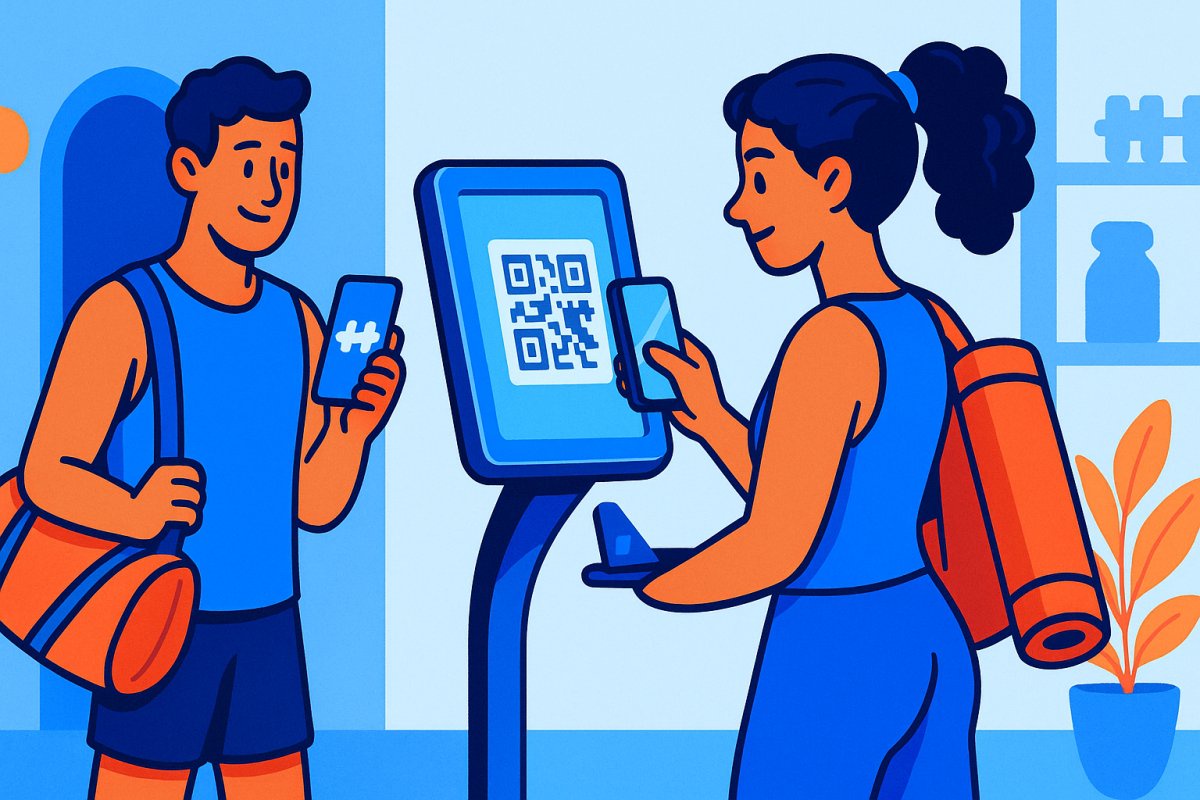
Gym puts a QR code at the entrance. Member scans it with their phone camera or app. Cheapest possible setup — print a piece of paper and tape it to the wall.
The upside: costs nothing and takes 30 seconds to set up. The downside: friction adds up. Pulling out your phone, opening the camera, scanning, waiting for it to load — every single visit. Members start skipping it after week two. It's also trivially easy to bypass, so if you're using it for any kind of access enforcement, it doesn't work.
Best for small studios with low volume — yoga, pilates, private training spaces where you're checking in 10-15 people a day, not 100.
What a Good Check-In System Should Actually Do
Tracking attendance is the baseline. A good check-in system uses that data to do real work for you:
Flag overdue payments at check-in. Member walks in → system checks billing status → if their payment failed, it flags them or blocks entry. This only works when check-in and billing are the same system. If they're separate tools, the check-in doesn't know the member owes you $150.
Track attendance patterns as churn signals. A member who goes from 4x/week to 1x/week to zero over 30 days is about to cancel. Your software should flag this automatically — not require you to run a report and scan it manually. By the time you notice on your own, they're already gone.
Enforce waiver compliance. Nobody checks in without a current signed waiver on file. Period. No exceptions, no "I'll sign it next time," no sticky note on the counter reminding staff to ask. The system enforces it or it doesn't happen.
Log class attendance automatically. Member checks into a class → punch card decrements, booking confirms, trainer sees the roster update in real time. If your staff is manually marking attendance on a clipboard during class, your software isn't doing its job.
Work without staff present. If the check-in system requires someone at the desk to function, you can't run open gym hours, early morning access, or 24/7 operations. For gyms running any unstaffed hours, door access tied to check-in and billing is what actually solves this — see our 24/7 gym software guide for the full breakdown.
Quick Comparison
| Feature | Kiosk/Tablet | Member App | QR Code | Integrated (billing + door) |
|---|---|---|---|---|
| Works unstaffed | No | Yes | Partially | Yes |
| Handles walk-ins | Yes | No | No | Yes (day pass flow) |
| Tracks attendance patterns | Depends on software | Yes | Basic | Yes |
| Flags failed payments | Rarely | Depends | No | Yes — blocks access |
| Waiver enforcement | Depends | Depends | No | Yes |
| Hardware needed | Tablet + stand | None | Printed QR code | Door controller |
| Cost | $200-500 one-time | Free (if app exists) | Free | $89/mo (ManageMemberships) |
Platforms That Include Check-In
ManageMemberships — App check-in, kiosk mode, QR code. The difference: check-in is tied to billing and door access in the same system. Payment fails → check-in blocked → door doesn't open. No separate tools to reconcile. See how door access control works.
PushPress — App check-in with optional kiosk mode on paid plans. No native door access — if you need access control, you're adding Kisi at $50-80/door/month on top.
Mindbody — App + kiosk check-in. Front desk focused. No door access integration. Works fine for staffed studios, but doesn't solve the unstaffed/24/7 problem.
GymMaster — App, kiosk, and door access via proprietary hardware. Solid feature set. NZ-based company, so support timezone can be an issue for US gyms.
Zen Planner — App + kiosk check-in. Door access available through Kisi integration (separate subscription, separate dashboard). Now owned by Daxko.
The Real Question — Check-In or Access Control?
Most gym owners searching for a "check-in system" actually need access control — they just don't know the term yet.
A check-in system logs that someone came in. An access control system decides whether they're allowed in. If your gym has any unstaffed hours — early morning open gym, late night access, full 24/7 operations — you need the second one.
Here's the gap: a check-in system that isn't connected to billing means a member whose payment failed 2 weeks ago is still checking in every day and nobody notices. They scan the QR code, tap the kiosk, walk right in. The check-in system did its job — it logged them. But it didn't know they owe you money, because billing lives in a different tool.
An access control system tied to billing stops that at the door. Payment fails → door doesn't open → member updates their card online → door works again. No report to pull, no manual step, no awkward conversation. The system enforced it.
That's the difference between tracking attendance and protecting revenue. See how billing-tied access works in our door access control breakdown.
Bottom Line
If you have a staffed front desk and only operate during business hours, a basic kiosk or app check-in works fine. Pick whatever your software includes and move on.
If you run any unstaffed hours, offer 24/7 access, or you're tired of discovering failed payments three weeks after they happened — you need check-in and access control in one system, tied to billing. The check-in is just a data point. What your software does with that data is what actually matters.
For more on running a 24/7 facility, see our best 24/7 gym software guide. For pricing strategies that support retention, check out how to price memberships for growth and retention. And if you run a martial arts gym with class-based check-ins, our martial arts membership software comparison covers the sport-specific considerations.
Smarter Billing, Better Control, Stronger Tools
Explore calendar billing, subscription management, automated door scheduling, digital waivers, reporting dashboards, and full member portal customization built specifically for gym and studio operators.
