
Door Hardware
Gym Door Access Hardware: Two Small Boxes and the Lock You Already Have
Members tap their phone and the door opens. ManageMemberships door access uses a central unit and a door unit that connect to your existing maglock or electric strike. No keys, no fobs, no key cards to lose.
What's in the Box
Two small units, built to be quiet and easy to hide.
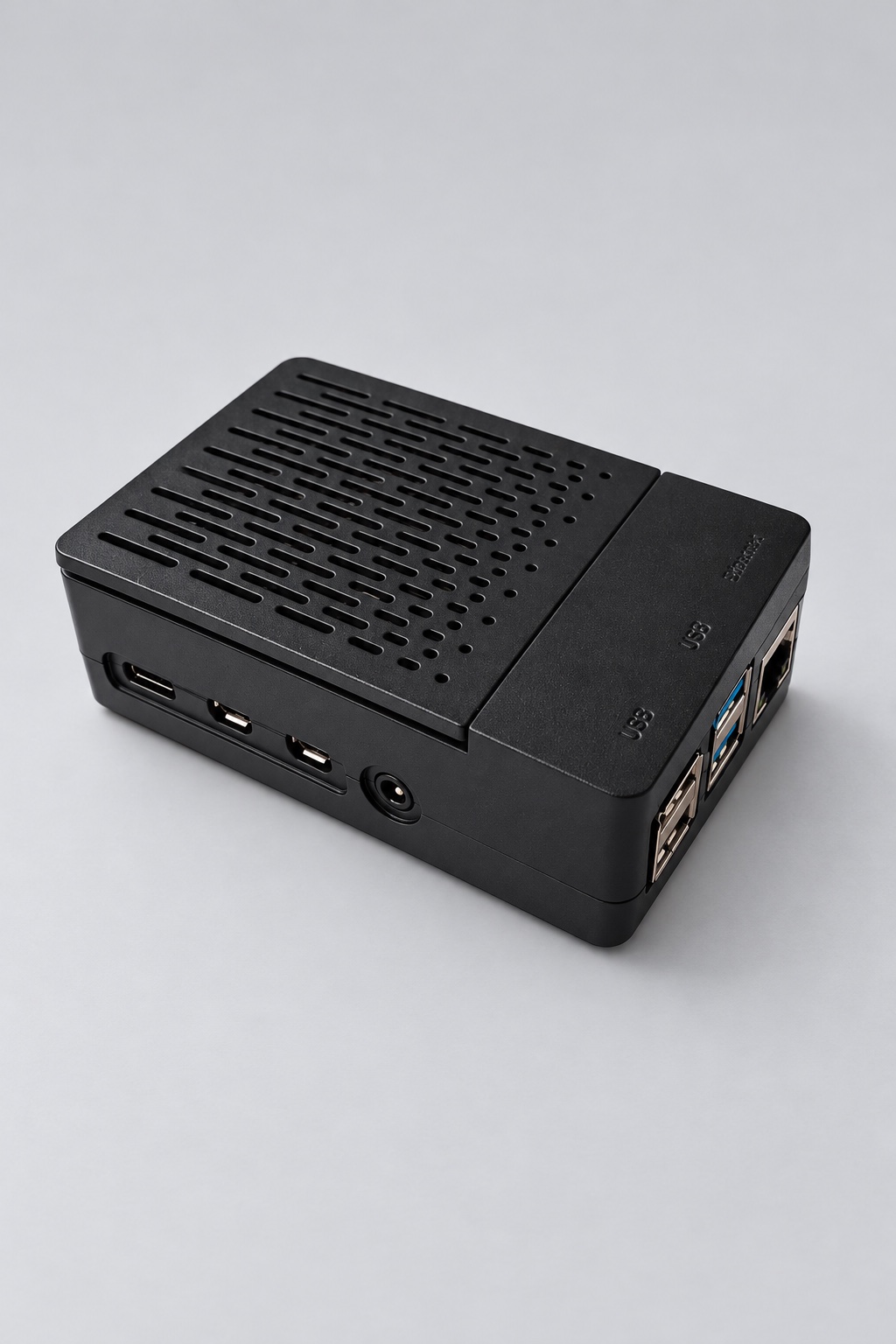
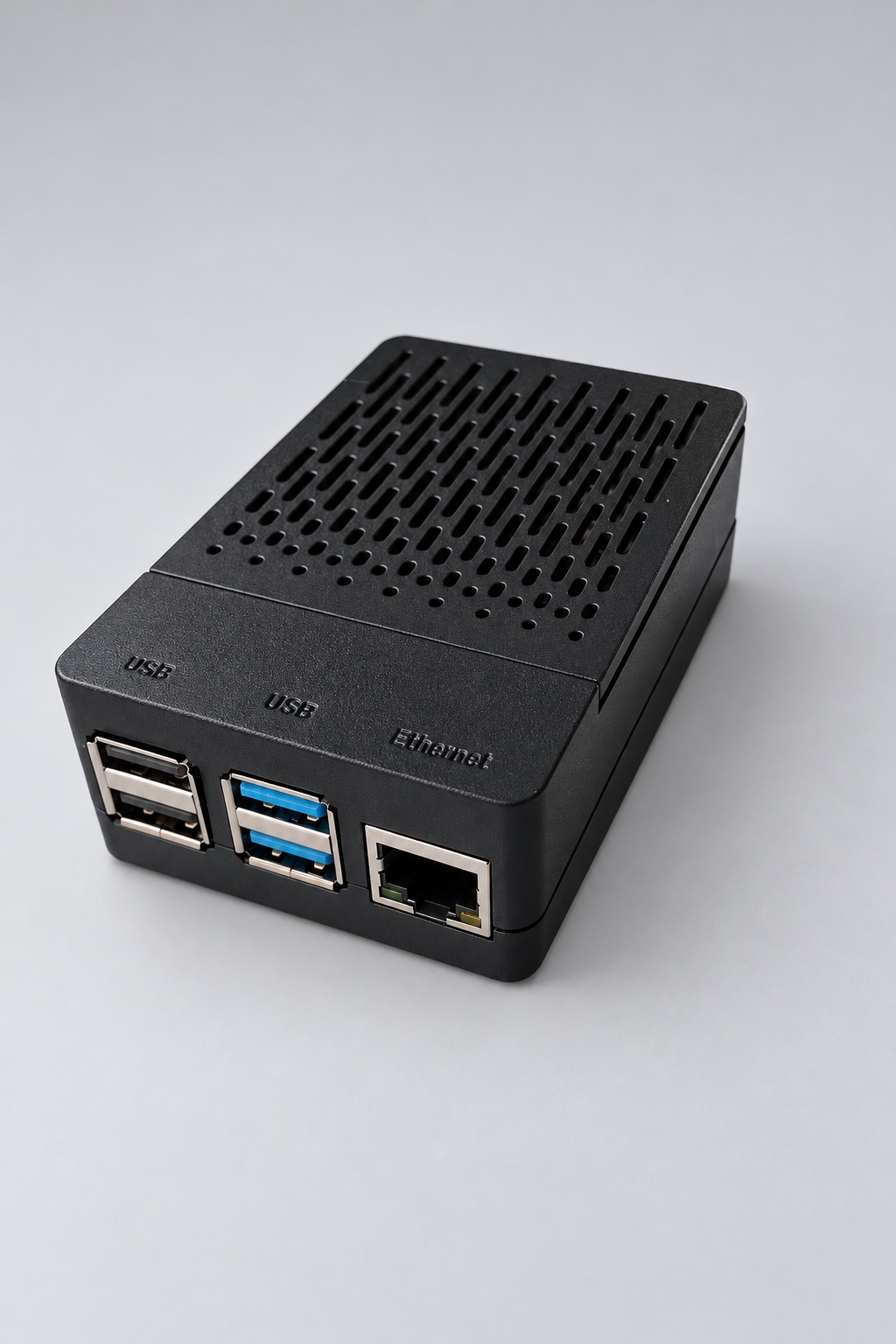
Central unit
Plugs into your network and checks every entry against your live membership data. It also stores who is allowed in, so the door keeps working if the internet drops.
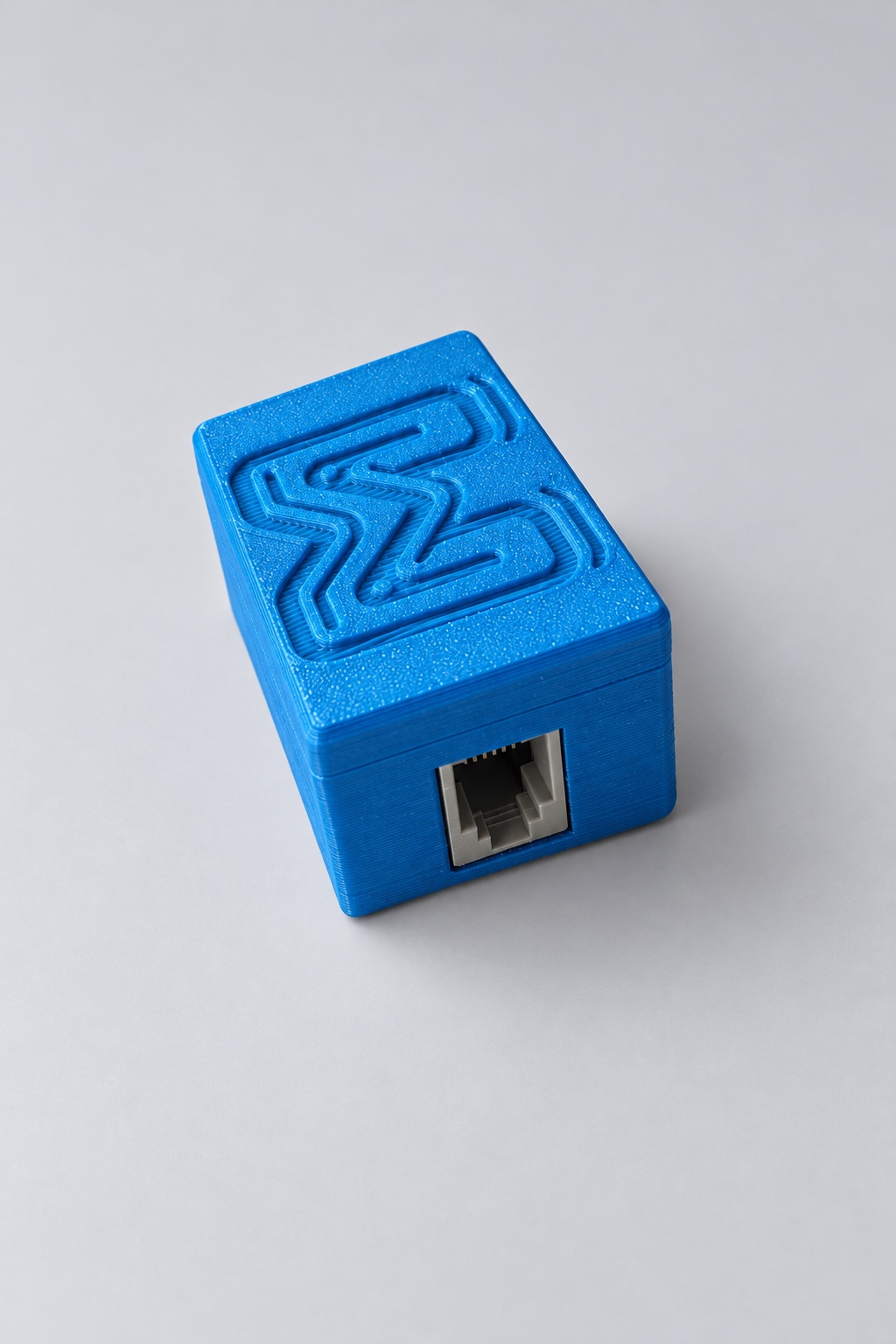
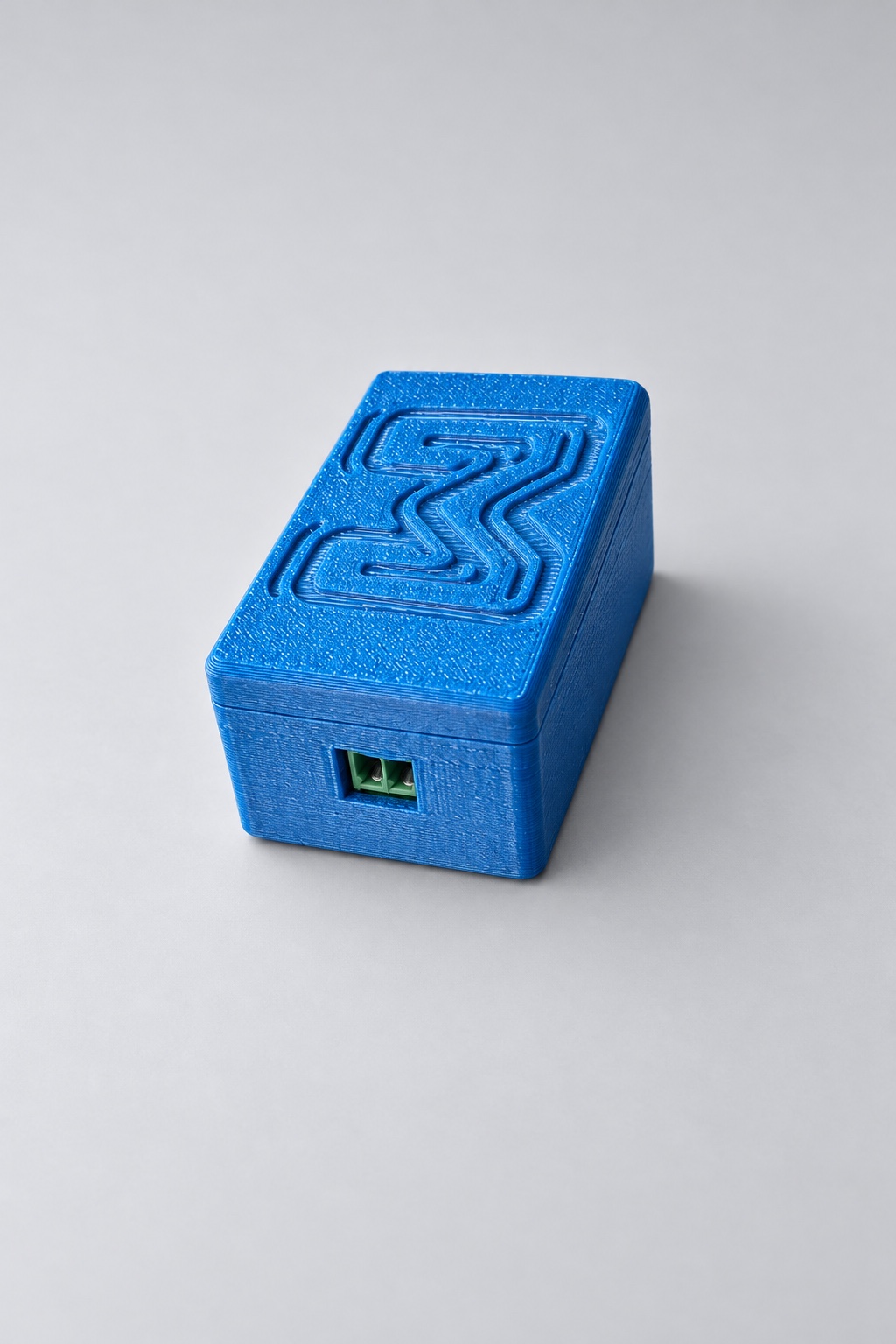
Door unit
Mounts by the door and lets members unlock with the app over Bluetooth. Small, tidy and easy to hide. It connects to your lock and power supply.
How to Install It
Most installs take an afternoon, and we walk you through it.
-
Place the central unit
Plug the central unit into power and connect it to your router with an ethernet cable.
-
Mount the door unit
Mount the door unit near the door and connect it to your door power supply.
-
Connect the wires
Wire the unit to your maglock or strike following the wiring diagram. Ground is shared, and one signal wire tells the door to unlock.
-
Test it
Open the member app, tap to unlock, and confirm the door opens.
Maglock Wiring Diagram
Ground is shared by everything. One signal wire tells the door to unlock, and it can go to either unit.
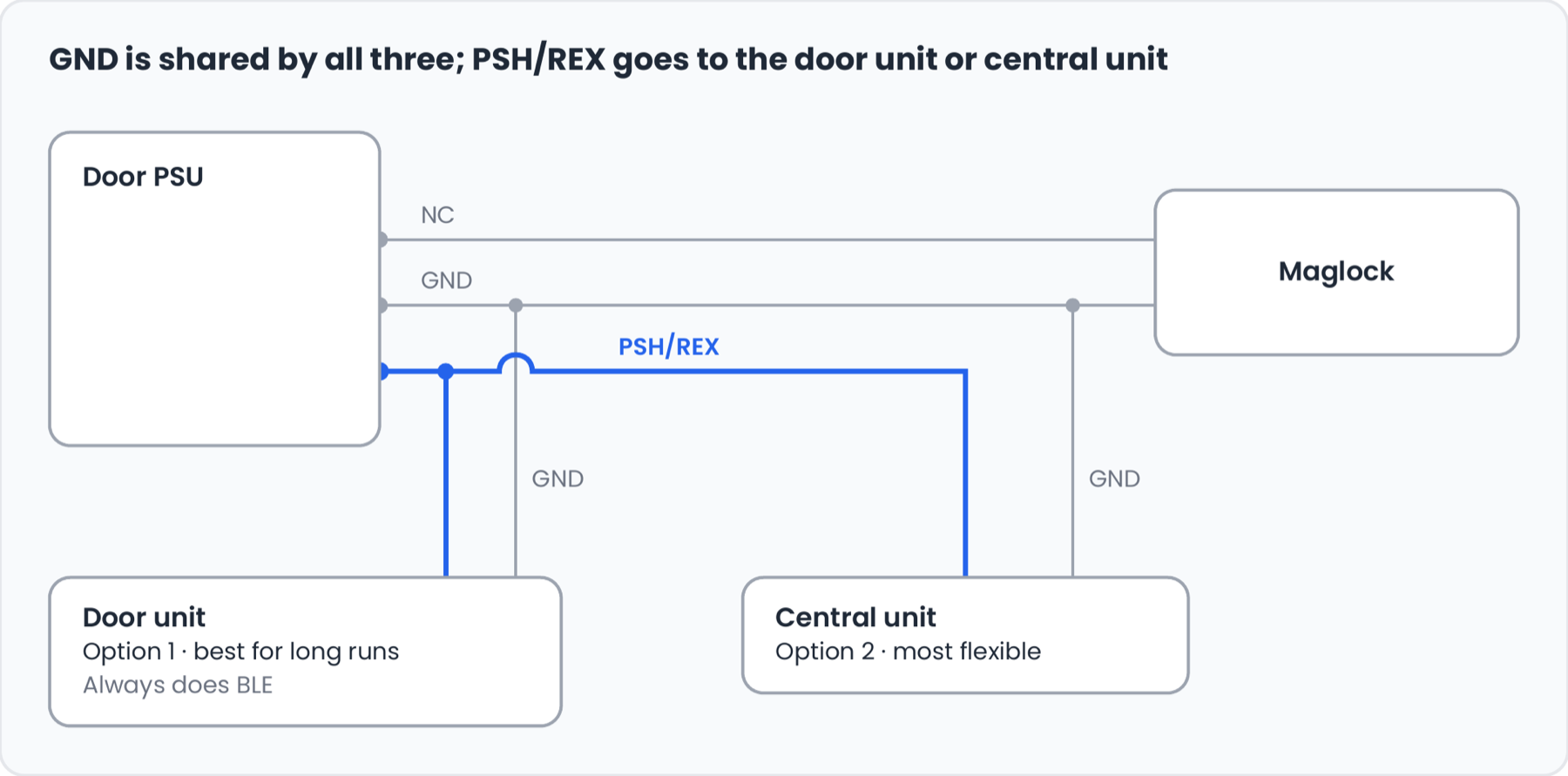
Option 1: Door unit
Wire the unlock signal to the door unit. Best for long cable runs.
Option 2: Central unit
Wire the unlock signal to the central unit. The most flexible option.
Why Gym Owners Choose It
- Works with the maglock you already own
- Keeps working if the internet goes down
- Past-due members are denied automatically
- Every entry shows up in your dashboard
- No exterior hardware needed with Bluetooth
- We walk you through the install
The hardware is one half of door access. The other half is the software that decides who gets in. See how it works in gym door access control, or read how to run a 24-hour gym without staff.
Door Hardware Questions
What door hardware do I need for gym door access?
You need a lock that can be released by a signal (a maglock or electric strike), a 12-volt power supply for it, and our two units: a central unit that talks to ManageMemberships, and a door unit that connects to the lock. If you already have a maglock and power supply, you can usually reuse them.
Does it work with my existing maglock or electric strike?
In most cases, yes. The units connect to a standard request-to-exit lead and a 12-volt supply, with no proprietary wiring. If you are unsure about your setup, contact us before you order.
What happens if the internet goes down?
Existing members can still get in. The central unit stores who is allowed in, so the door keeps working during an outage. Access logs sync again when the connection returns.
How long does installation take?
Most installs take an afternoon. You place the central unit, mount the door unit, connect a few wires and test it. We walk you through it.
Do members need a key fob or key card?
No. Members unlock the door with their phone over Bluetooth. Nothing to lose, share or reprogram when someone cancels.
What happens when a member's payment fails?
Access is denied automatically until the payment is fixed. Every entry and every denial shows up in your dashboard.
Want a Hand With Your Setup?
Email team@managememberships.com or call (812) 266-7989.