
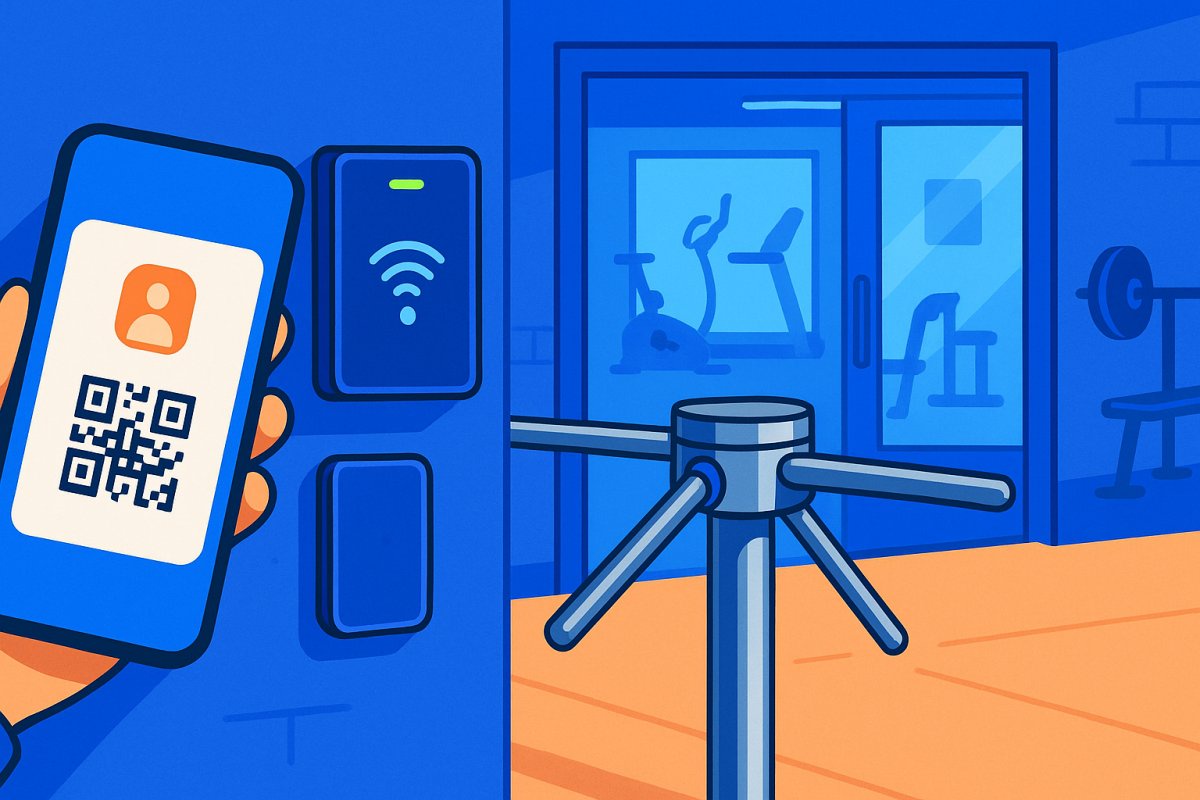

Gym owners often wonder if members can unlock gym doors with their phones. The short answer is yes, and it’s not as complicated as it sounds. There are several methods to achieve this: QR code, Bluetooth, and NFC. Each method has its pros and cons, impacting cost, convenience, and reliability. Let's dive deeper to help you decide which method fits your gym and your members best.
Yes — and Here's How It Actually Works
The reality is there are multiple ways to allow members to unlock gym doors with their phones. These methods include QR codes, Bluetooth, and NFC. Each approach has its trade-offs, and the real question is which method suits your gym and members best.
Method 1 — QR Code Access
QR code access is simple. A member opens a QR code on their phone, stored in Apple Wallet or Google Pay, and holds it up to a scanner mounted at the door. The scanner reads the code and checks with the cloud: is this person active? Is their payment current? Have they signed a waiver? If yes, the door opens.
- Pros: No app download required, works on any smartphone, scanners are cheap (~$40), no Bluetooth pairing issues
- Cons: Requires a scanner mounted at the door, member needs to pull up their phone and hold it to the reader, doesn’t work if phone is dead
- Best for: Gyms that want a simple, low-cost setup without requiring members to download an app
Read more about the Bluetooth vs QR Code Gym Access and explore our Digital Member ID feature.
Method 2 — Bluetooth Access
Bluetooth access requires the gym's app on a member's phone. When they walk up to the door, the app communicates with a Bluetooth receiver and unlocks the door. Some systems require tapping a button in the app, others detect proximity automatically.
- Pros: Feels magical when it works – walk up and the door opens. No scanner needed on the wall. Cleaner look.
- Cons: Requires app download, Bluetooth can be finicky (pairing issues, range issues, battery drain), more expensive hardware, doesn’t work if Bluetooth is off or phone is dead
- Best for: Gyms that want a premium, modern feel and whose members are comfortable with apps
For a comparison, check out our article on Bluetooth vs QR Code Gym Access.
Method 3 — NFC (Tap to Unlock)
NFC works by having members tap their phone against an NFC reader at the door, similar to using Apple Pay at a store.
- Pros: Fast, familiar (everyone knows how to tap their phone), no app needed if using Apple/Google Wallet
- Cons: NFC range is very short (has to be almost touching), requires NFC-capable reader, not all phones support NFC writing (older Androids), Apple restricts NFC in some ways
- Best for: Gyms already using NFC for other things (like payment terminals) who want a consistent tap experience
What About Key Fobs and Cards?
Phone access doesn’t mean you have to ditch fobs entirely. Some members prefer a physical credential — they don’t want to pull out their phone, or their phone is dead, or they’re old school.
- Best setup: Offer both. Phone access as the default, fobs as a backup for members who want them.
- Fobs cost $2-5 each, phone access costs nothing per member.
Learn more about Key Fob Alternatives for Gyms.
The Part That Actually Matters — Tying Access to Payment
Any phone can unlock a door with a generic app. That's not special. What matters is whether the system knows the member. Is their payment current? Did they sign a waiver? Are they on a membership tier that allows access at this hour?
- If payment fails → door stops working. Automatically. No one has to manually deactivate anything.
- This is the difference between a "smart lock" and an actual access control system.
Explore Door Access Control, Payment Recovery, and learn How to Collect Late Fees on Gym Memberships.
What You Need to Set This Up
Setting up a phone-based access system requires a few key components:
- A mag lock or electric strike on the door (~$100-200)
- A door controller that communicates with the cloud (~$100-150)
- A reader: QR scanner (~$40), Bluetooth receiver (~$40), or NFC reader (varies)
- Power supply ($30-50)
- Total hardware: under $400 for a single-door setup
- Monthly software that ties it all together
Discover how to Choose the Right Gym Access System and explore the Complete Guide to 24/7 Gym Access Control, or learn about the 24-Hour Gym Access System.
Common Concerns
"What if the internet goes down?"
Good systems have a local fallback — the door controller caches a member list so it can still verify access even without internet. If the cache is stale (power outage + internet outage), the door can default to locked or unlocked depending on your preference and fire code.
"What if the member's phone is dead?"
Offer a PIN pad or fob as backup. Some gyms keep a tablet at the entrance where members can type in their email or phone number.
"Is it secure?"
More secure than a shared door code (which gets passed around) and more secure than a physical key (which gets copied). QR codes are unique per member and can be rotated. Every entry is logged — you know exactly who was in the building and when.
Learn how to Prevent Tailgating in Your Gym.
How ManageMemberships Handles This
Full disclosure: we built this. QR code via Apple Wallet / Google Pay — no app download required. Bluetooth via branded app — optional. Door controller + QR scanner: under $200 in hardware. Access tied directly to billing — payment fails, door stops opening. Every scan logged with timestamp and member identity.
Explore our Features, learn how to Run a Gym With No Front Desk, and find the Best 24/7 Gym Software.
Smarter Billing, Better Control, Stronger Tools
Explore calendar billing, subscription management, automated door scheduling, digital waivers, reporting dashboards, and full member portal customization built specifically for gym and studio operators.
