
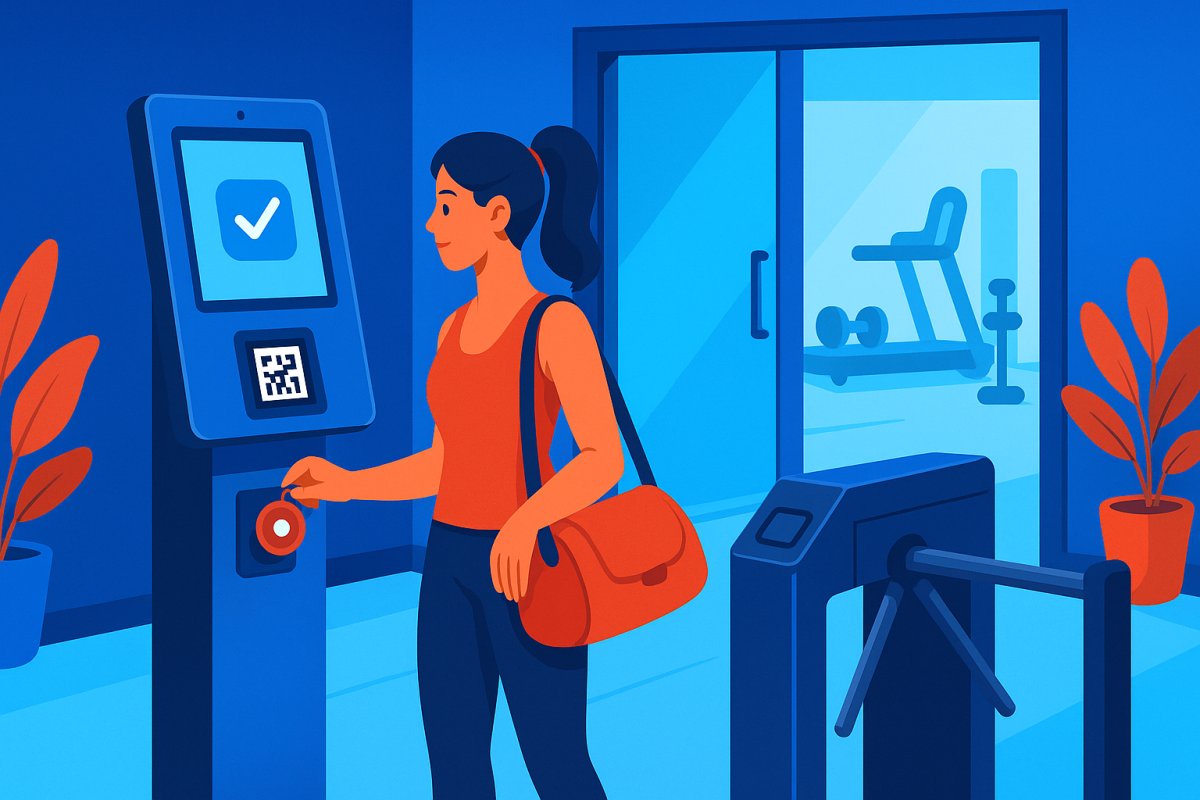

Running a gym without a front desk might seem daunting, but it’s increasingly becoming the norm. With labor costs second only to rent and a growing demand for 24/7 access, many gym owners are reconsidering the necessity of a front desk. In this guide, we'll explore how to efficiently operate a gym with no front desk, ensuring smooth operations and satisfied members.
Why Gym Owners Are Ditching the Front Desk
Labor costs are significant, and members increasingly expect early morning and late-night access. As of 2026, 35% of UK private gyms operate 24/7, a trend that is escalating globally. The hybrid model—staffed during peak hours and unmanned during off-hours—offers a balanced approach. The front desk's traditional roles of access control, payment verification, and waiver handling are now automated, allowing for operational efficiency without sacrificing security or service.
The Five Things Your Front Desk Actually Does (And How to Automate Each One)
1. Member Check-In and Verification
Replace your front desk staff with a self-service kiosk. Members can check in by scanning a QR code from their phone or entering their email or phone number. The system verifies their membership status, waiver, and payment instantly. Digital Member ID & Kiosk Mode ensures seamless verification without needing a person to manage it.
2. Door Access Control
Using key fobs, QR codes, or Bluetooth, access control can be directly linked to membership status. Payment failures automatically revoke access, eliminating manual tracking. This is crucial for ensuring only active members enter your premises. For more insights, explore Bluetooth vs QR Code Gym Access and Key Fob Alternatives for Gyms.
For a deep dive into effective access control, visit our Door Access Control Feature.
3. Payment Collection and Failed Payment Recovery
Automate billing with recurring payments. When a card is declined, the system retries automatically and revokes access if necessary. This eliminates awkward payment discussions and ensures services are only available to paying members. Learn more about Payment Recovery.
4. Waiver and Liability Management
Digital waivers can be signed online or at the kiosk during the first visit. The system ensures a waiver is on file before allowing check-in, which is vital for high-risk activities like martial arts. Digital waivers reduce liability and are easily searchable compared to traditional paper formats.
5. Guest and Walk-In Access
While challenging to automate, digital guest passes can be purchased online, allowing guests to access the gym with a QR code. Pre-qualifying guests online often leads to higher conversion rates. For gyms with significant walk-in traffic, consider maintaining staff during peak times and opting for unmanned operations during off-peak hours.
The Hybrid Model — What Actually Works
A hybrid approach allows gyms to operate efficiently by staffing during high-traffic times (7-10am, 4-8pm) and going unmanned during early mornings, late nights, and weekends. This model cuts front desk labor costs by 60-80% while still offering premium 24/7 access to members willing to pay extra.
What Can Go Wrong (And How to Mitigate It)
Safety and Liability
Unmanned facilities pose risks, such as unattended medical emergencies. Mitigate these by providing visible emergency contact info, installing AEDs, and using camera monitoring. Insurance costs may increase, so consult your provider before transitioning. Restrict 24/7 access to adults to avoid legal issues with minors.
Tailgating and Unauthorized Access
Unauthorized access is a major concern. Use turnstiles, mantrap entries, and camera monitoring to detect tailgating. Cameras at all access points, along with Prevent Tailgating in Your Gym, are essential deterrents.
Loss of Personal Connection
The personal touch of a front desk interaction can aid in retention. Mitigate this by being present during classes, following up personally on no-shows, and ensuring the gym owner is visible and accessible. Automated check-in triggers can help maintain connections.
Retail Sales
Without staff, selling retail items can be challenging. Consider QR-based payments or vending machines for protein bars and supplements. Many gyms focus on membership revenue and minimize retail.
The Tech Stack You Need
To run a gym without a front desk, integrate membership management, automated billing, and access control. A self-service kiosk for check-in and waivers is essential. Camera systems should cover entry points and training areas. Automated text/email triggers enhance communication. Ensure all systems communicate to prevent manual deactivations. For more insights, explore Choose the Right Gym Access System and Best 24/7 Gym Software.
How to Make the Transition
Begin by transitioning one low-traffic shift to unmanned operations and monitor the results over 30 days. Gradually expand as you gain confidence. Communicate the change positively as an upgrade in service. For detailed steps, check out Switch Gym Software Without Losing Members.
Is It Right for Your Gym?
Unstaffed gym operations suit powerlifting gyms, CrossFit boxes, and facilities offering open mat hours. Gyms with high walk-in traffic or kids programs may struggle to adapt. Weigh the cost of labor against software and hardware investments to determine if this model fits your operations. Review our Features to explore essential tech that supports this transition.
Smarter Billing, Better Control, Stronger Tools
Explore calendar billing, subscription management, automated door scheduling, digital waivers, reporting dashboards, and full member portal customization built specifically for gym and studio operators.
