
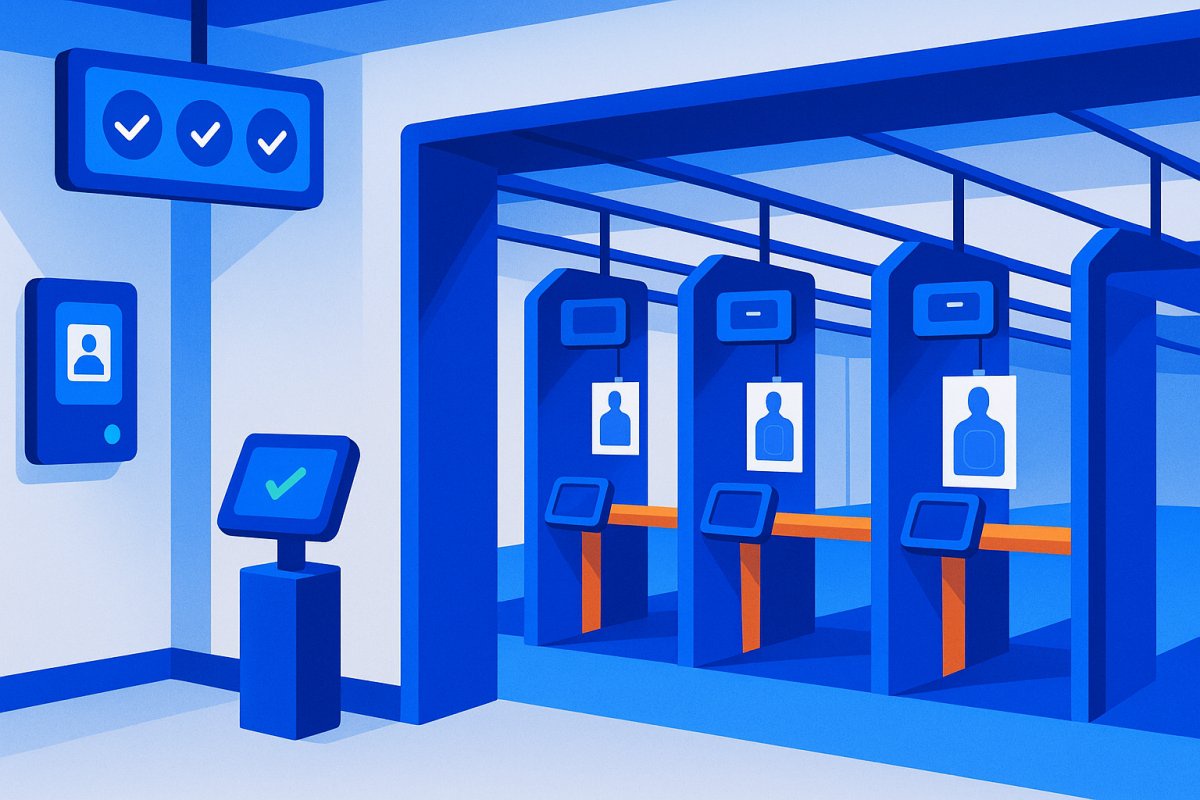

Indoor range management software handles lane booking, memberships, waivers and retail in a single system. What separates it from generic gym software is lane-level scheduling and waiver status enforced at check-in rather than checked by hand. This covers what the software does, what it costs, and what to verify before switching.
Why Indoor Ranges Have Different Software Needs Than Other Businesses
A gym manages memberships. A hotel manages rooms. A retail store manages inventory.
An indoor range does all three — simultaneously.
You're renting lanes by the hour. You're billing recurring members AND processing walk-ins on the same shift. You need a waiver from every single person before they touch anything — members, guests, birthday parties, everybody. You're renting ear pro, eye pro, and firearms. You're selling ammo over the counter. And if you have an FFL desk, you're tracking 4473s on top of all of it.
No generic membership software understands lane scheduling. No standard range POS understands recurring billing or automated access control. The result: most ranges end up running two or three separate systems that never quite sync. Someone cancels their membership in system A. System B still lets them through the door.
That's the core problem. Good range software solves it.
What Indoor Range Management Software Actually Does
The feature set varies a lot by platform. Here's what it looks like when it's built right.
Lane Scheduling and Time Tracking
Members and walk-ins book lanes by time slot — 30 minutes, 1 hour, whatever you set. The system tracks occupancy in real time, blocks double-booking, and shows available lanes at a glance.
Better systems support online booking so members aren't calling the desk. Corporate and group bookings should handle bulk lane reservations and bulk waivers in a single flow. Instructor scheduling ties a lane reservation to a specific RSO — useful if you're running training programs.
Membership Management and Recurring Billing
Membership revenue is what makes a range sustainable. The $75/month member who's in three times a week matters more than any single walk-in transaction.
Your software needs to handle multiple tiers — basic range access, unlimited, club membership — with different pricing and access levels per tier. It needs automated recurring billing, failed payment recovery (more on that below), and family or couples accounts. If tiers and dues are the bulk of what you're managing, membership software for gun clubs is a better starting point than a range POS with a membership module bolted on.
Here's the part most ranges don't think about until it bites them: membership should control access both logically (can they book a lane?) and physically (can they get through the door?). If those two systems aren't connected, you have a gap.
Waiver Management
A gym member signs a waiver once when they join. A range needs a waiver from every visitor, every time — members, guests of members, walk-ins, group bookings, corporate events.
Software should capture digital signatures at check-in, store them with timestamps, handle bulk waivers for groups, and support re-signing when your policy changes. Kiosk mode matters here — on a busy Saturday with 30 walk-ins, you need waivers moving fast without tying up staff.
Paper waivers in 2026 are a liability. No audit trail. No proof of signature before they stepped on the line. No way to search when you need it. See our breakdown of gun range waiver software if that's a priority for your facility.
Point of Sale
Range POS needs to cover ammo sales, lane time, equipment rental, membership upsells, and general retail — all tied to the same member profile. When a member buys ammo, it's on their account. You can see purchase history. That matters for re-engagement campaigns and loyalty programs down the road.
Firearm rental tracking should show which firearm is on which lane at any given time. That's both a liability and a theft-prevention issue.
One hard note: some ranges need FFL-compliant sales tracking for 4473s and bound book compliance. Not all range software handles this. ManageMemberships does not handle FFL/ATF records — if that's a hard requirement, Bizzflo or Gearfire are the honest answer for that use case.
Door Access Control
This is where most range software completely drops the ball. And it's the feature that matters most for any range running extended or unmanned hours.
An indoor range needs controlled entry. Only members with active, paid memberships should be able to walk in during unmanned hours. Walk-ins and guests check in at the desk when staff is present. Without integrated door access, you have no way to enforce that physically.
"Integrated" has a specific meaning here. If billing fails on Tuesday, door access should revoke on Tuesday — automatically, with no staff intervention. That's what integration means. A platform that gives you a member export and tells you to update your Kisi account manually is not integrated. That's homework.
What to look for: QR code or mobile-based access (fobs get shared, lost, and cloned for $5 on Amazon), membership-tier-based access levels (club members get early access, basic members don't), and a full audit log of who entered and when.
On hardware: a mag lock and controller on the range entrance runs $200–800 installed. It's not the expensive part. The software that drives it — and keeps it in sync with your billing — is. Read more about how door access control works in a membership-first platform.
Check-In and Attendance Tracking
Knowing who's on your range at all times is a safety requirement, not a nice-to-have. Your system should log member check-in time, lane assignment, and session end. RSOs need to pull up current occupancy instantly — not dig through a spreadsheet.
Attendance history is operationally valuable: identify lapsed members worth re-engaging, spot your most loyal members before they leave, and plan capacity around peak times.
The Biggest Mistake Indoor Ranges Make With Software
Running three separate systems: one for memberships, one for lane scheduling and POS, one for door access.
They never sync perfectly. They were never designed to.
Someone cancels their membership — billing software knows, door system doesn't. Someone books a lane online — POS doesn't know, RSO has to manually check a different screen. A payment fails — membership is suspended in one system, access is still active in the other.
The fix is either a single platform that handles all of it, or at minimum a billing and door access system that are tightly integrated, with a separate POS that's manually reconciled. The single-platform approach is cleaner. It's also harder to find — most "range software" is a POS with scheduling bolted on. Memberships and access control are afterthoughts.
See how this plays out across platforms in our best shooting range management software comparison.
What Most Indoor Range Software Gets Wrong
No Real Door Access Integration
The most common gap. "Access control" on the feature list usually means: "We'll give you a CSV of active members and you can manually update your Kisi or Brivo account."
That's not integration. That's a manual step that someone has to remember to do every time a membership changes. True integration means a billing event in the membership system triggers the access decision at the door. No manual step. No lag. No one slipping through because a cancellation wasn't updated yet.
Waiver Workflows Built for Gyms, Not Ranges
A gym might have 200 members who each sign once. A range might have 50 members plus 30 walk-ins every Saturday — and all of them need waivers before they touch anything.
Software that treats waivers as a secondary feature will bottleneck your check-in line on busy days. You need kiosk mode for fast walk-in capture, bulk group waivers, and waiver status visible at check-in so staff isn't asking "did you sign?" to every person in line.
No Failed Payment Recovery
Most range software bills a card. If it declines, it sends one email and waits.
Automated dunning — retry logic, escalating reminders, access suspension — is table stakes in 2026. If your software doesn't have it, you're personally chasing failed payments. That's not a billing feature, it's a revenue recovery feature. See how automated payment recovery works.
How to Evaluate Indoor Range Management Software
Ask every vendor these questions before you commit:
- Does door access integrate with billing, or are they separate systems?
- How does it handle walk-in waivers at volume — is there a kiosk mode?
- What happens when a payment fails — is access automatically suspended?
- Can I set different membership tiers with different access levels?
- Does it handle lane scheduling, or do I need a separate system?
- Is there a member app for check-in and lane booking, or is everything counter-based?
- What does the POS cover — can it track equipment rental by individual item?
Competitors Worth Knowing
Here's an honest look at the main platforms. Not a bash — just the relevant tradeoffs.
| Platform | Best For | Door Access | FFL Support | Starting Price |
|---|---|---|---|---|
| EZFacility | Multi-use facilities, scheduling-heavy operations | Add-on | No | $200+/mo |
| Bizzflo | Gun ranges + gun stores with FFL desk | Partial | Yes | $2,200+/mo |
| Rapid Gun Systems | High-volume retail ranges, POS-first operations | No | Partial | Contact |
| Gearfire / AXIS | Retail + range combo with FFL compliance | No | Yes | Contact |
| DownRange Systems | Cloud-based range ops, appears in most "best of" lists | Varies | No | Contact |
| ManageMemberships | Membership-first ranges: recurring billing, door access, waivers in one platform | Native | No | $89/mo |
If you run a high-volume FFL desk and retail firearms are your primary revenue, Bizzflo or Gearfire is the honest answer — they're built for that. If memberships and lane time are your core business, you don't need a $2,200/month enterprise system. See our full breakdown of Gearfire AXIS alternatives for membership-focused ranges.
Bottom Line
If your range runs memberships alongside walk-in traffic, you need software that treats both as first-class — not a POS with a membership bolt-on.
The non-negotiables: integrated door access (billing drives the door, automatically), digital waivers at volume, automated payment recovery, and membership tiers with real access-level control.
If you also run an FFL desk with retail firearms, Bizzflo or Gearfire is the honest call. If your revenue is primarily memberships and lane time, there are lighter, cheaper options that don't require an enterprise budget.
Built for ranges like yours
Memberships. Door Access. Waivers. Billing.
ManageMemberships handles all of it in one platform — without the $2,000/month price tag.
FAQ
What is indoor range management software? +
Software that handles lane scheduling, memberships, billing, waivers, and access control for indoor shooting ranges. Unlike generic gym or retail software, it's designed for a facility that needs to manage timed sessions, high walk-in waiver volume, and controlled physical entry.
How much does range management software cost? +
$89–200/mo for membership-focused platforms. $2,000+/mo for enterprise POS-heavy systems like Bizzflo or EZFacility. The price difference usually reflects FFL compliance features and deep POS functionality — if you don't need those, you don't need to pay for them.
Does range software handle FFL compliance? +
Some do. Bizzflo and Gearfire are built for gun stores with FFL desks and handle ATF record-keeping. Most membership-focused platforms — including ManageMemberships — don't. If you have an FFL desk as a core part of your business, you need a platform built for that use case.
What's the difference between range software and gym software? +
Mainly lane scheduling and walk-in waiver volume. A gym manages recurring members who each sign once. A range manages both recurring members and high walk-in traffic — and every single visitor needs a waiver before stepping on the line. Generic gym software doesn't handle that workflow well.
Can range software control door access? +
The best ones do. Look for true billing-to-door integration — not a manual CSV export to a separate access system. When a payment fails, access should revoke automatically. When a membership is canceled, the door should stop working the same day. If there's a manual step in between, it's not really integrated.
