
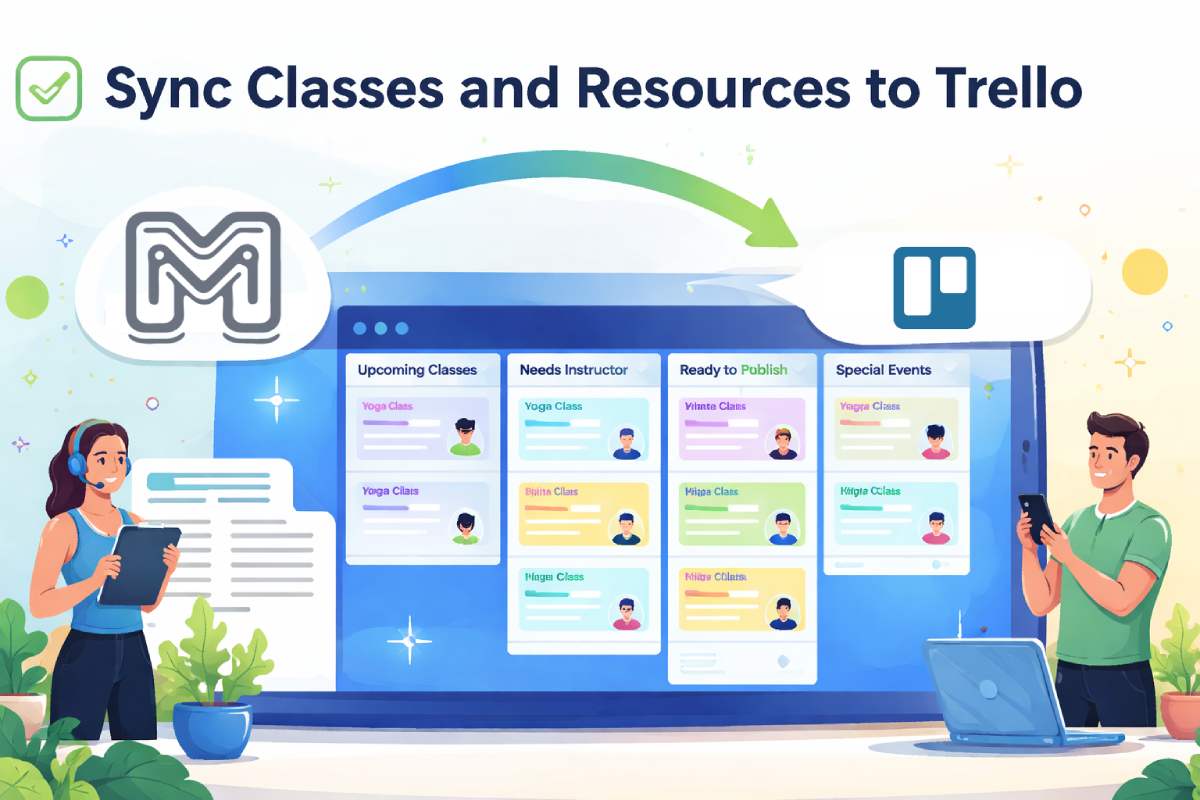

We just released a new integration that lets you sync classes and resources from ManageMemberships directly into Trello.
This is designed for gym owners and staff who already use Trello to track operations, schedules, staffing, or facility planning and want class data to flow in automatically without manual entry.
What This Integration Does
When enabled, newly created classes or resources in ManageMemberships can automatically appear as cards in Trello.
Each class becomes a Trello card, giving your team visibility without needing to log into the admin panel.
This works well for teams that plan weekly schedules, coordinate instructors, manage rooms, or track special events.
How to Enable Trello Sync
Setup takes only a few minutes and is done entirely from your portal.
- Open Portal Settings in ManageMemberships
- Paste your Trello API key and token
- Select the Trello board you want to sync with
- Choose which list new classes should be added to
Once this is saved, the connection is active. No extra automation tools or third party services are required.
Choosing the Right Trello List
After selecting your board, you can choose the specific list where incoming classes should land.
Common examples include
- Upcoming Classes
- Needs Instructor Assignment
- Ready to Publish
- Special Events
This gives you control over how new classes enter your workflow instead of dumping everything into one place.
Why This Is Useful for Gyms
Many gyms already rely on Trello to keep everyone aligned. Syncing classes removes friction between scheduling and execution.
Common use cases include
- Operations teams tracking upcoming classes
- Coaches seeing what is scheduled without admin access
- Managers coordinating rooms or equipment
- Front desk staff staying aware of changes
Because the cards update as classes are created, Trello stays current without extra work.
A Simple Bridge Between Systems
ManageMemberships remains the source of truth for scheduling and resources.
Trello becomes the shared visibility layer for your team. You get the structure of a membership platform combined with the flexibility of a planning board.
Get Started
If you already use Trello, this feature is ready to turn on now. Go to Portal Settings, connect your Trello account, choose a board, pick a list, and your classes will start syncing automatically.
Questions or Want Help Setting This Up?
We can help you map classes and choose a board structure that fits your workflow.
Book a Call