
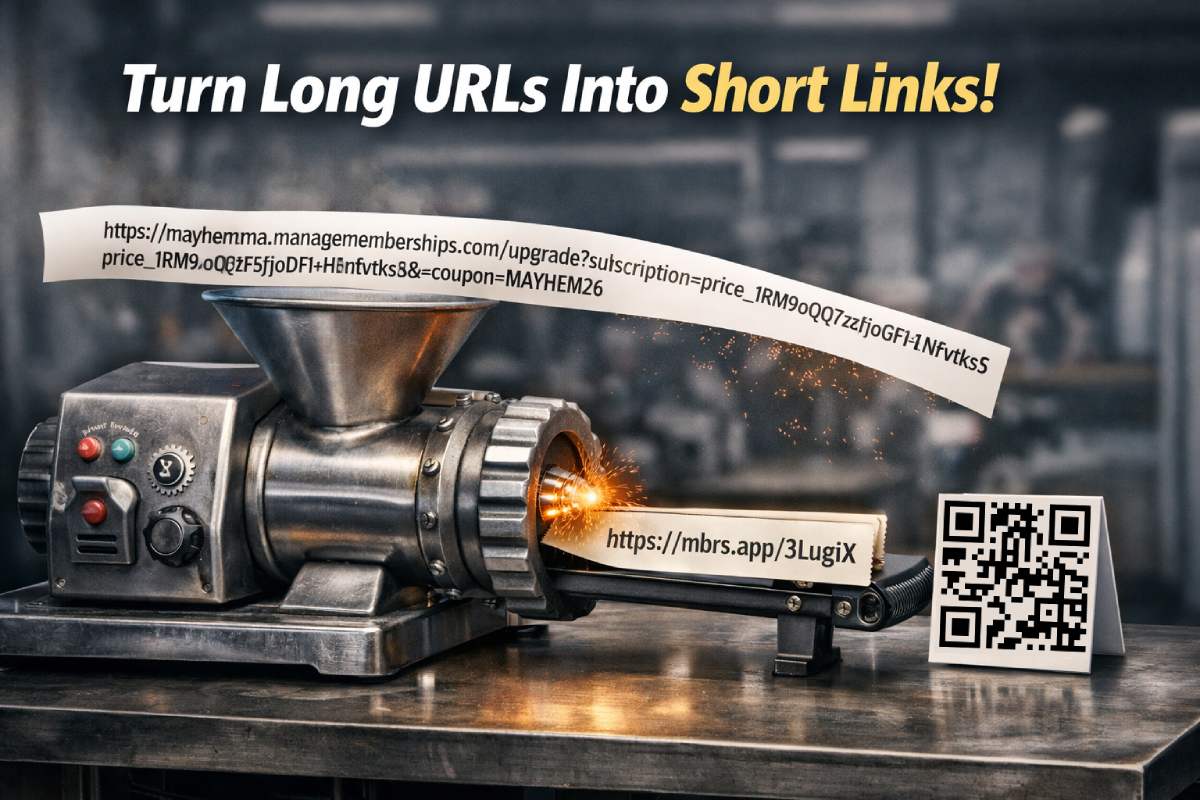

Long links are a problem in real world communication. They look messy in texts, break across lines in emails, and make printed materials harder to scan. Inside ManageMemberships there is now a simple way to fix that.
Go to Communications, then URL Shortener.
From there, paste any long link and instantly generate a short, readable URL along with a matching QR code.
From Unreadable to Clean in Seconds
For example, a promotion link like this
can be turned into something clean and easy to share like this
That short link works everywhere. Text messages, emails, social posts, flyers, posters, or even taped to the front desk.
QR Codes Included Automatically
Every short link also generates a QR code. There is nothing extra to configure.
This makes it easy to
- Put a QR code on a front door or window for after hours signups
- Add a QR code to a printed promotion or event banner
- Drop a QR code into a social post or email footer
Anyone who scans it goes straight to the same tracked destination as the short link.
Built for Texting and Real Communication
This feature was inspired while working with Mayhem MMA on their January promotion. They were running a fifty percent off three months offer, and the links being sent through text messages were honestly ugly.
Long URLs in SMS look spammy, wrap across multiple lines, and are harder for people to trust. With short links, messages stay clean, readable, and professional.
If you are anywhere near Henderson, you should sign up.
Tracking Comes Standard
Short links created in ManageMemberships are not just easier on the eyes. They are trackable.
You can see how often a link is used, which helps you understand what is working across texts, emails, and campaigns. This is especially helpful when testing promotions or comparing channels.
Where to Find It
- Log into your admin panel
- Go to Communications
- Click URL Shortener
- Paste your link and generate
That is it. You get a short URL and a QR code ready to use.
If you are already sending texts, emails, or running promotions, this cleans up your messaging fast and adds insight you did not have before.
Want Help Using This for Your Promotions?
We can help you clean up links, plan campaigns, and track what actually converts.
Book a Call